
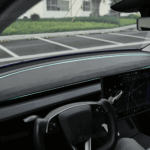
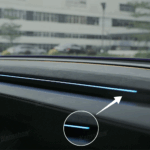

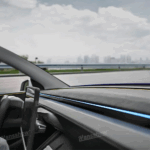
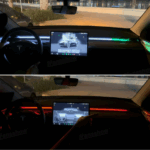
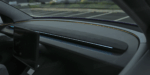

Key Functions:
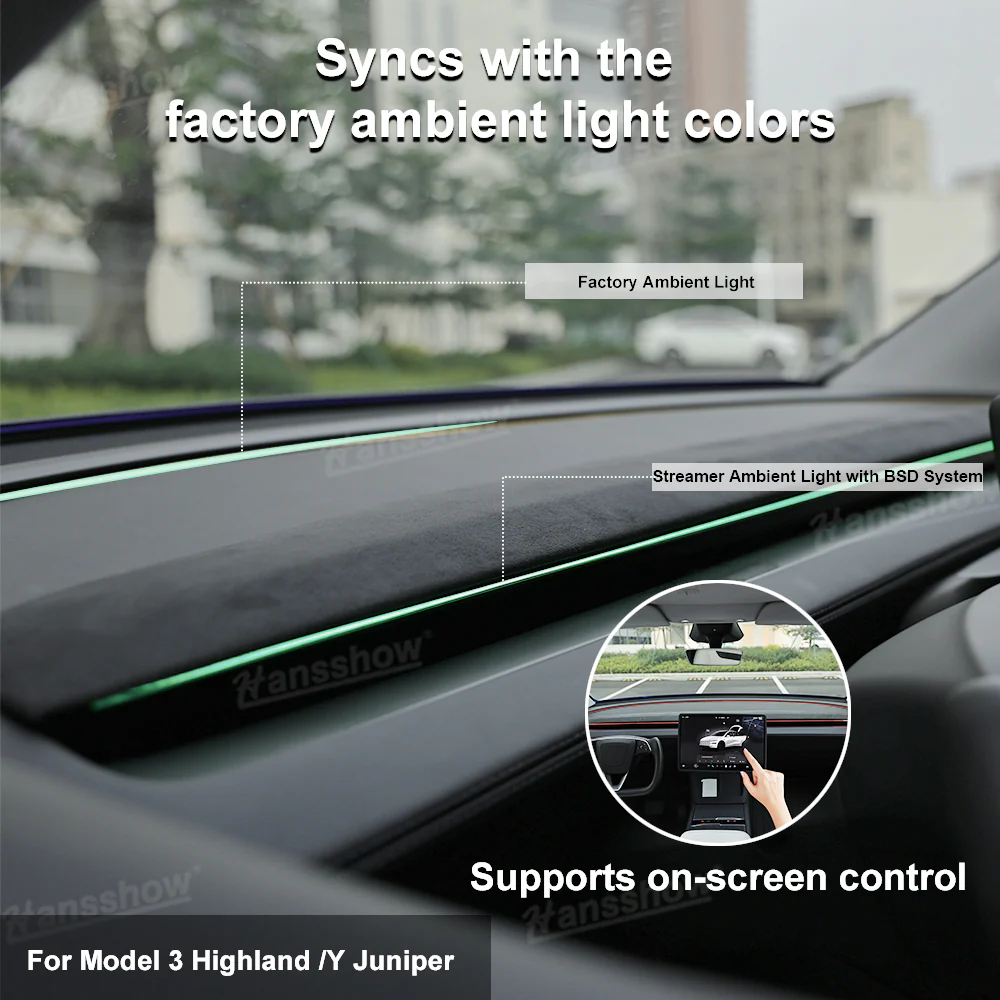
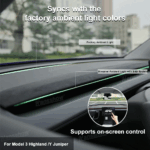
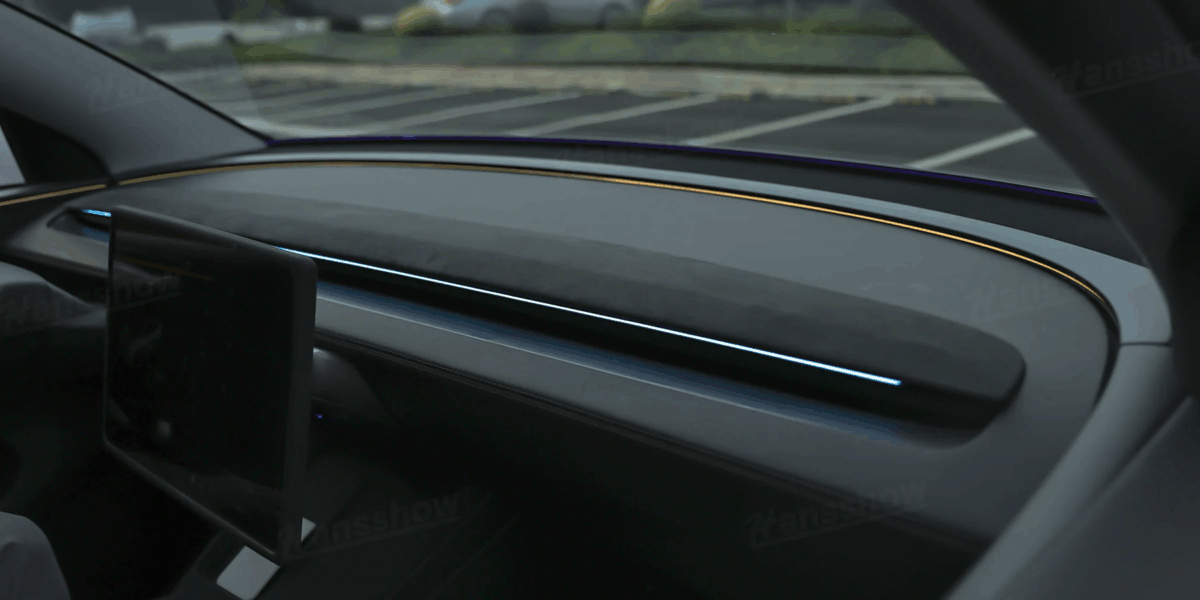
- Syncs with the factory ambient light colors & Supports on-screen control (Model 3 Highland / Y Juniper)
- Color Control via Right Steering Wheel Scroll Button (Model 3 / Y)
- Smart side light alerts for blind spots
- Turn signal-linked visual indicators
- Door ajar notification with custom colors

- Over-speed warning with front-facing red flash
- Autopilot mode activates ambient rainbow lights
- Throttle-responsive dynamic light effects
- Battery heating visual cue in driver’s view
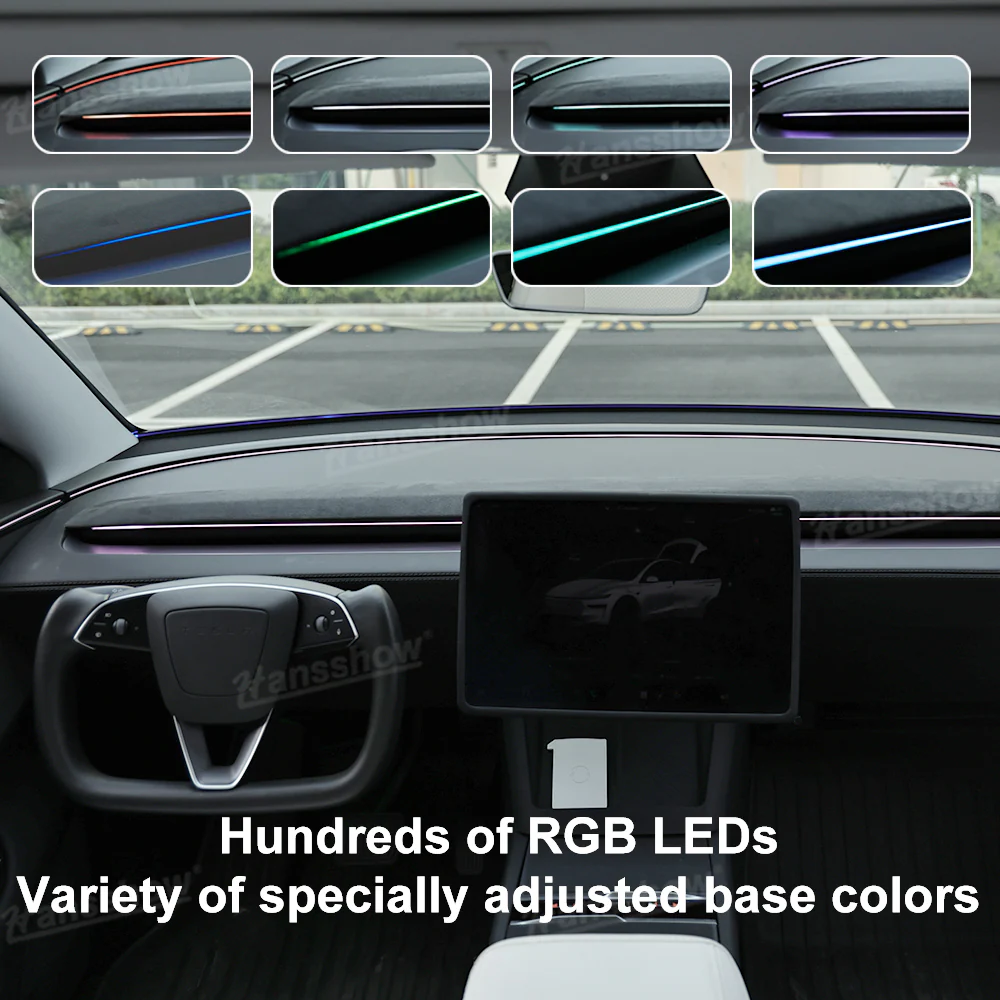
- Fully customizable RGB lighting system
Key Features:
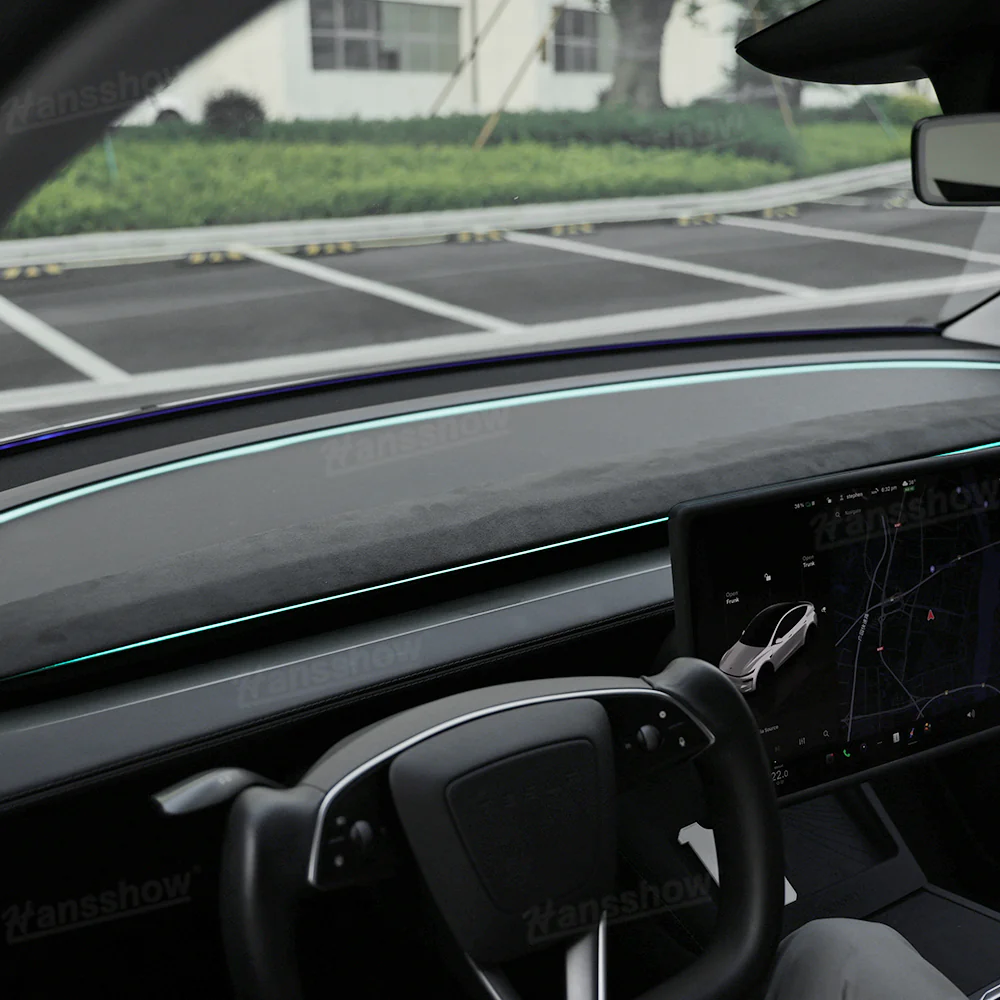
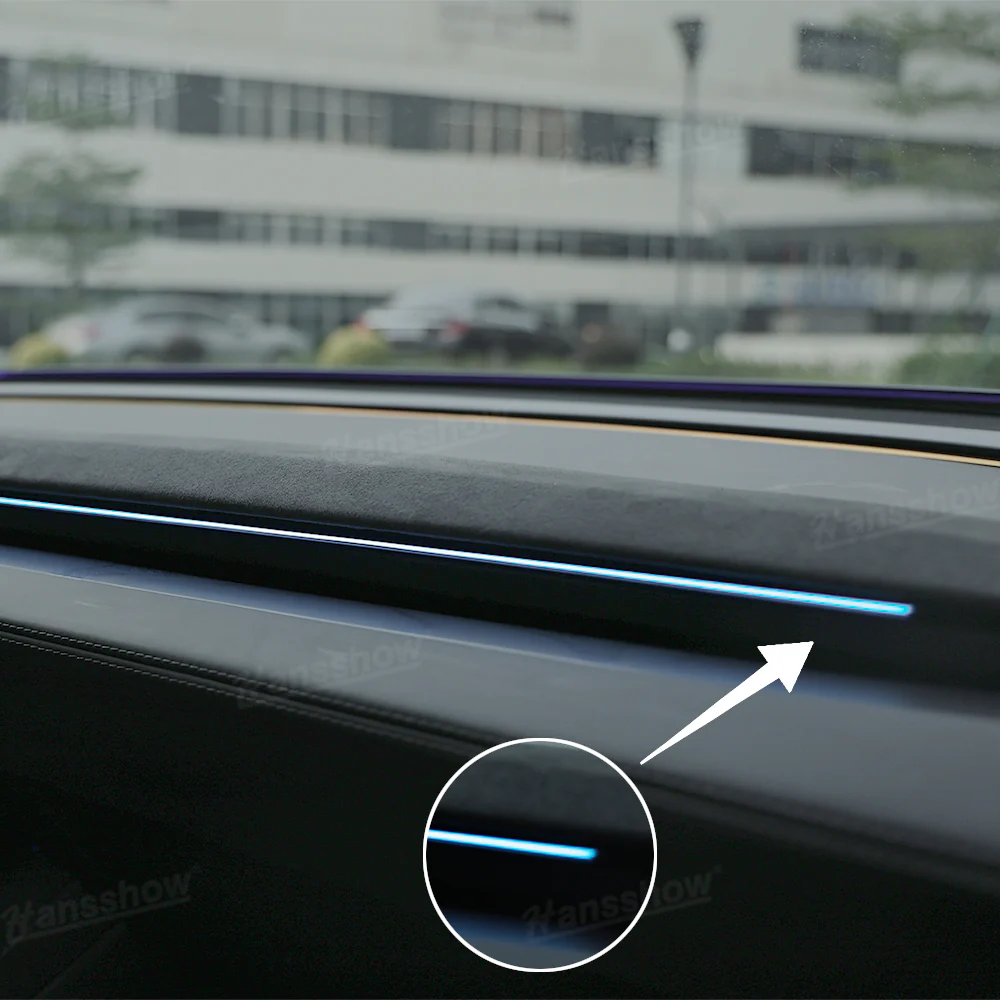
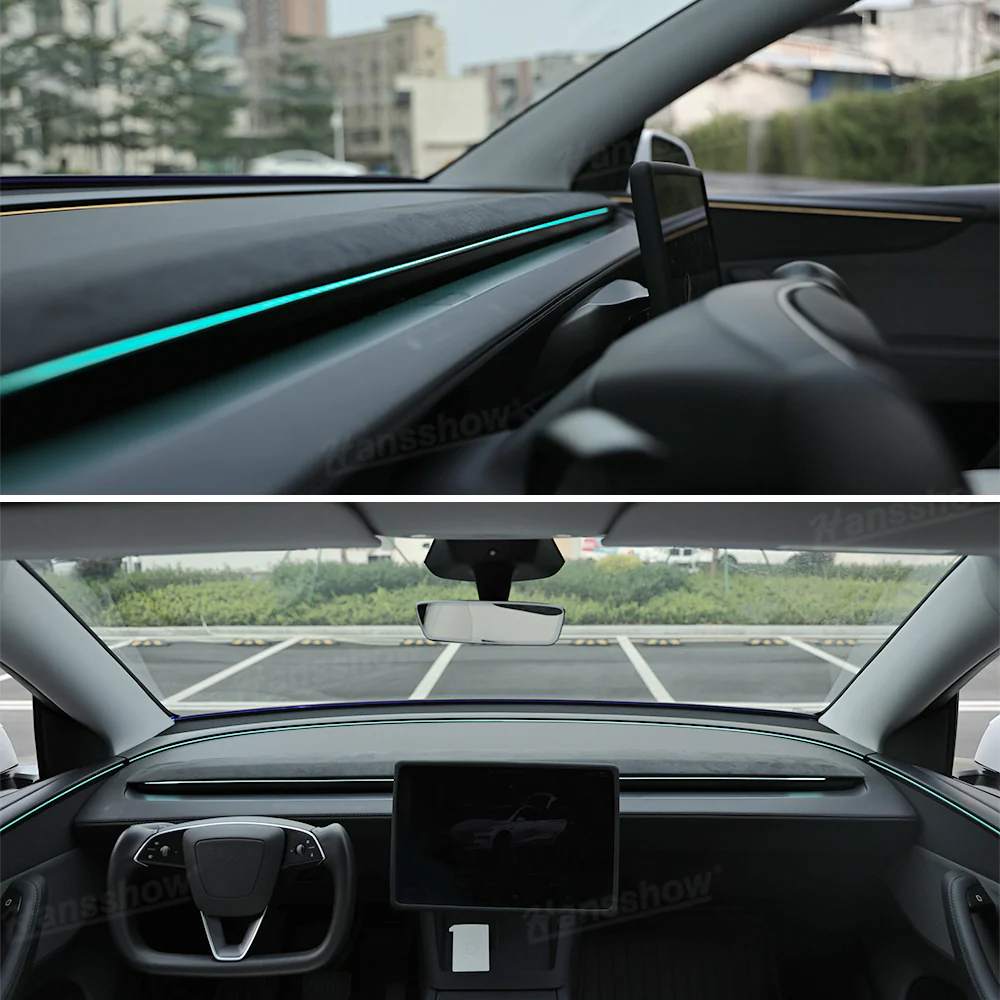
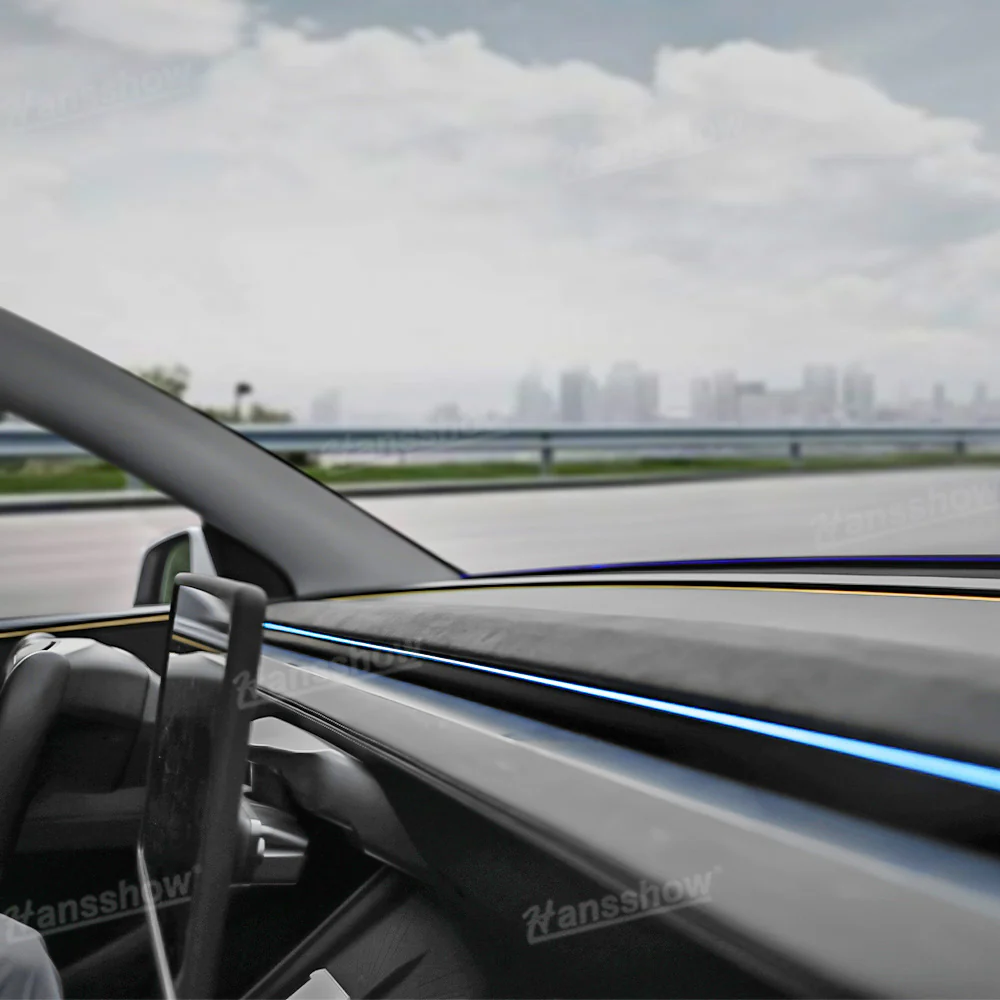
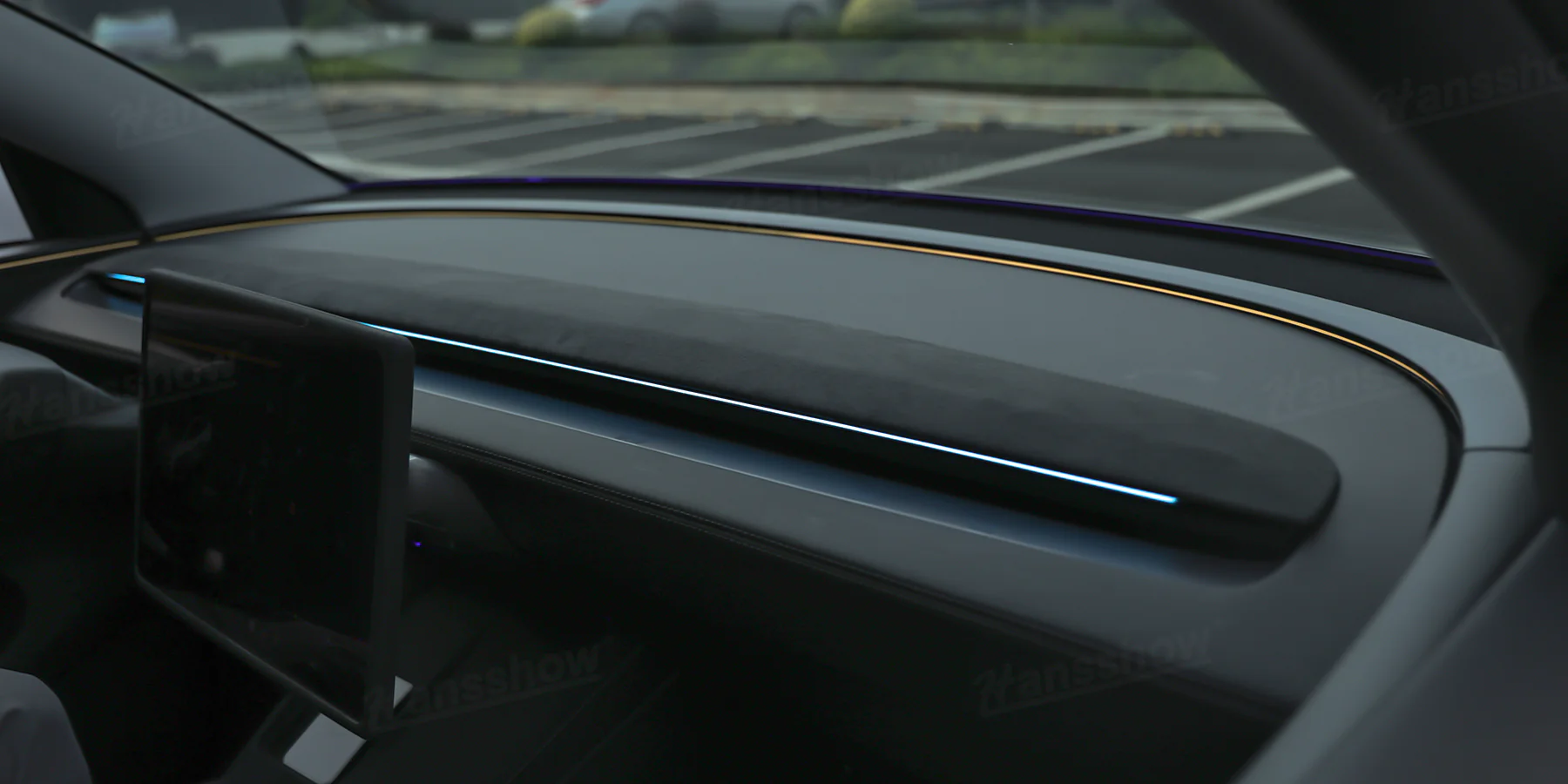
Upgrade & Smart Control: The ambient lights automatically sync with the factory ambient light colors and support on-screen control via the central touchscreen on Model 3 Highland/Y Juniper. And you can conveniently change colors using the right steering wheel scroll button on your Model 3/Y.
Smart Blind Spot Reminder: When a vehicle enters your blind spot, the corresponding side light will alert you. A weak reminder (amber light constant on) triggers for rear-side approaching vehicles. When signaling with the turn indicator, the corresponding side flashes green; if a rear-side vehicle is detected at the same time, prompting a strong reminder (red light flashing).
Door Ajar Alert: When a door isn’t fully closed, the corresponding side light will flash in a customizable color of your choice.
Overspeed Warning for Safer Driving
When your speed exceeds the road limit by 20%, a bright red alert flashes directly in front of the driver to grab your attention and help you stay safe on the road. (Note: If you don’t want the overspeed warning, you can easily disable it. Simply press the button on the right side of the steering wheel once quickly, then press and hold for about 4 seconds. Just make sure not to switch into Sport Mode.)
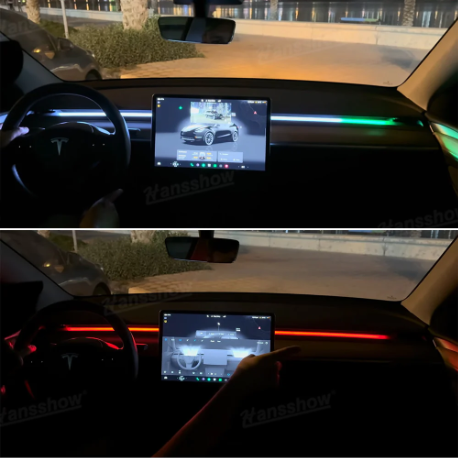
Tesla-Style Driving Display Lights: Engaging AP (Autopilot) mode triggers smooth, rainbow-colored light effects on both sides. Hansshow’s ambient light is a sleek, modern way to visually signal that you’re in semi-autonomous driving mode.
Dynamic Light Effect Linked To Throttle:
Mode 1: Press the throttle, and a red light strip extends dynamically, mirroring performance-driven energy.
Mode 2: Lights transition from white to red based on throttle depth, creating a gradient effect that reacts to your driving intensity.
Both modes of Hansshow’s LED Strip Light inject a high-octane, premium vibe into your cockpit—perfect for enhancing the sporty atmosphere of your ride.
Real-Time Battery Heating Indicator: When your Tesla’s battery is actively heating, a red light glows directly in front of the driver.
Easy Installation: The installation does not break the wire, does not punch holes, and does not affect the original car warranty. The original wiring harness has a reserved interface that can be directly plugged into the transmitter for use, similar to the circuit series connection.
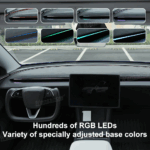
Individually Controlled RGB: Hundreds of RGB lamp beads, each of which can be controlled independently. Six basic colors are specially selected and adjusted.
Smarter Control & Seamless Integration
The 2.0 upgraded ambient light now supports full synchronization with your Tesla’s factory ambient light colors on Model 3 Highland and Model Y Juniper. Easily customize colors directly through the central touchscreen for an OEM-level experience.
For Model 3 and Model Y, color adjustment is just as effortless, simply use the right steering wheel scroll button to change the lighting to your preference.
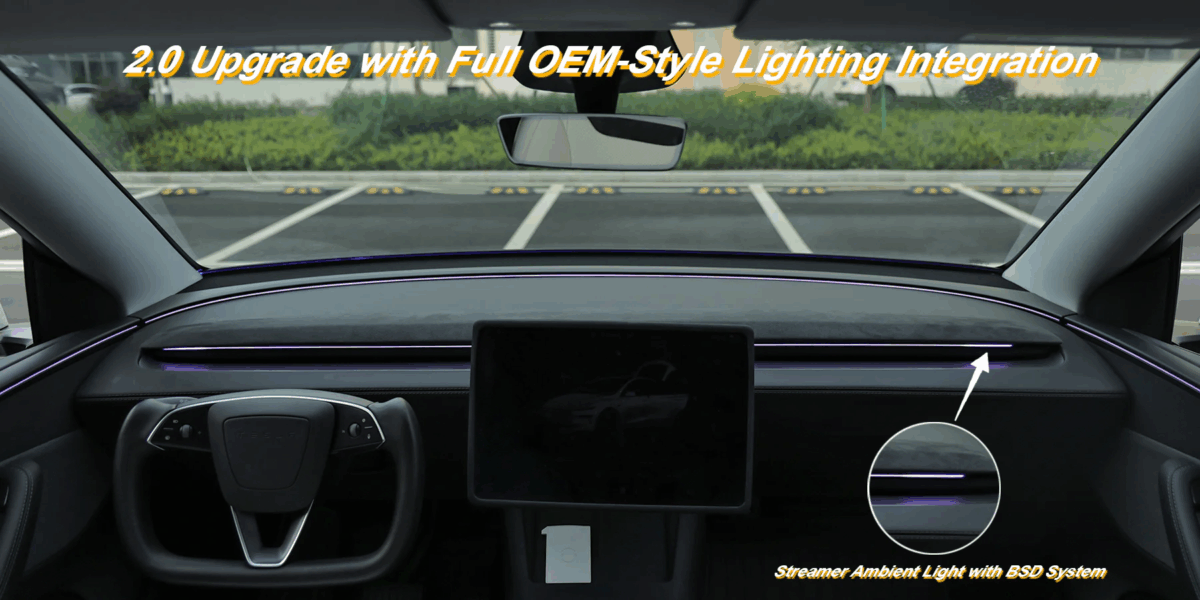
Built-In Blind Spot Detection for Safer Driving
When a vehicle enters your rear blind spot, a steady amber light automatically appears on the corresponding side of the LED streamer strip, giving you a clear, immediate visual cue without taking your eyes off the road.

FAQS
Q1 – Why is the ambient light not turning on?
A1 – Please check the wiring harness connection. Reconnecting the harness should restore functionality.
Q2 – The blind spot light doesn’t work. What should I do?
A2 – This could be caused by a loose wiring connection or an issue with the control box. Try the following steps:
1)Reconnect the wiring harness
2)Inspect or replace the control box if needed
Q3 – The blind spot light works sometimes but fails occasionally. Any fix?
A3 – This may be due to a faulty control box or a problem with your vehicle’s blind spot detection system. We recommend:
1)Inspecting or replacing the control box
2)Verifying that your vehicle’s blind spot detection system is functioning properly
Q4 – I can’t change the ambient light color. Why?
A4 – Ambient light color can only be changed when the vehicle is stationary. Please check the following:
1)Ensure your vehicle is completely stopped (speed = 0)
2)If the control box is unresponsive, try locking the car and powering it off to reset the system
Q5 – Why is the light bar flashing red on the driver’s side while driving?
A5 – This is a speeding reminder feature. The red flashing light is triggered when the system detects the vehicle is exceeding a preset speed.(Note: If you don’t want the overspeed warning, you can easily disable it. Simply press the button on the right side of the steering wheel once quickly, then press and hold for about 4 seconds. Just make sure not to switch into Sport Mode.)




Reviews
There are no reviews yet.