
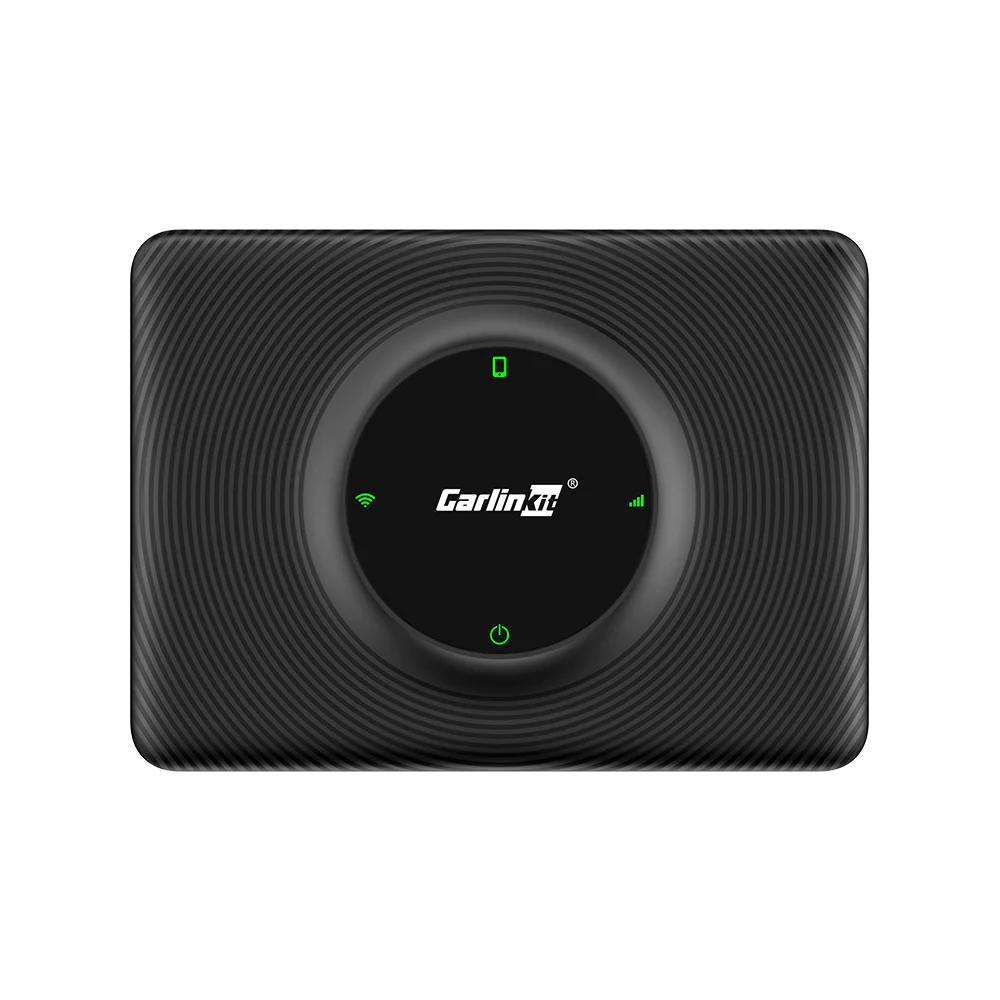


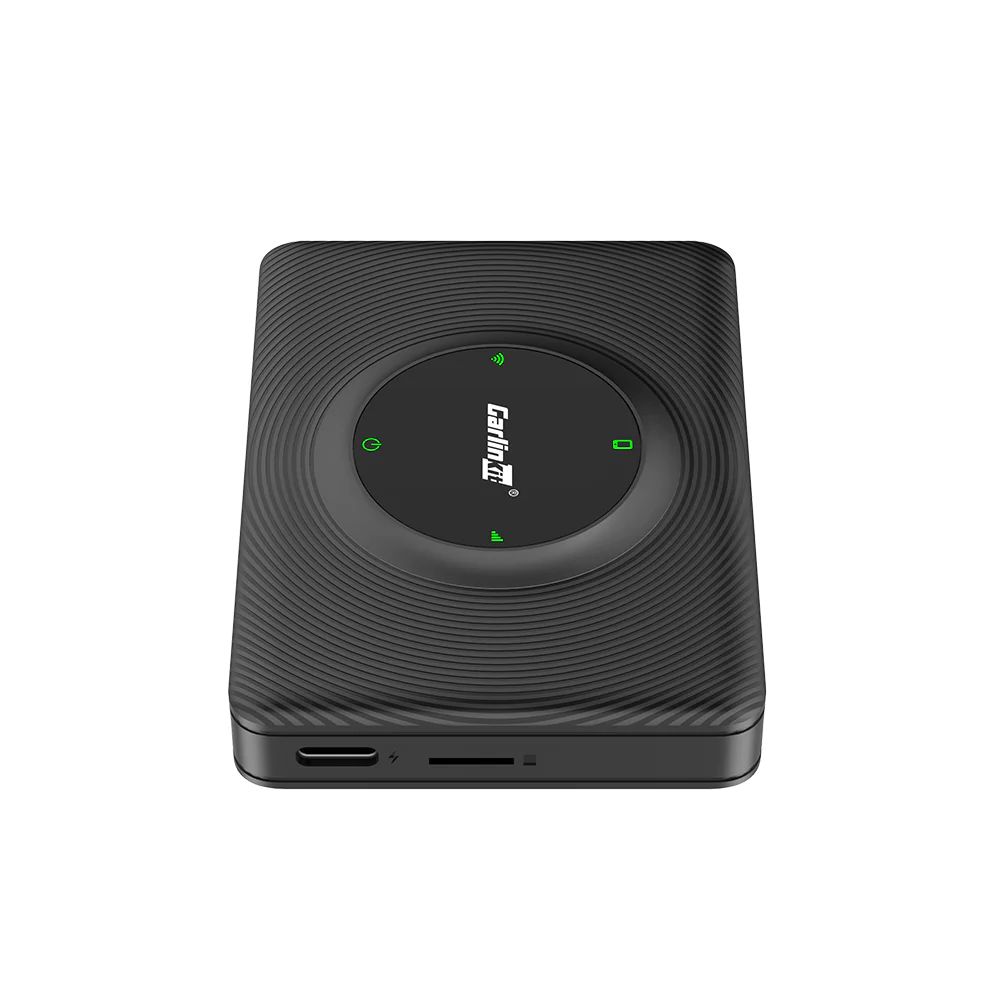
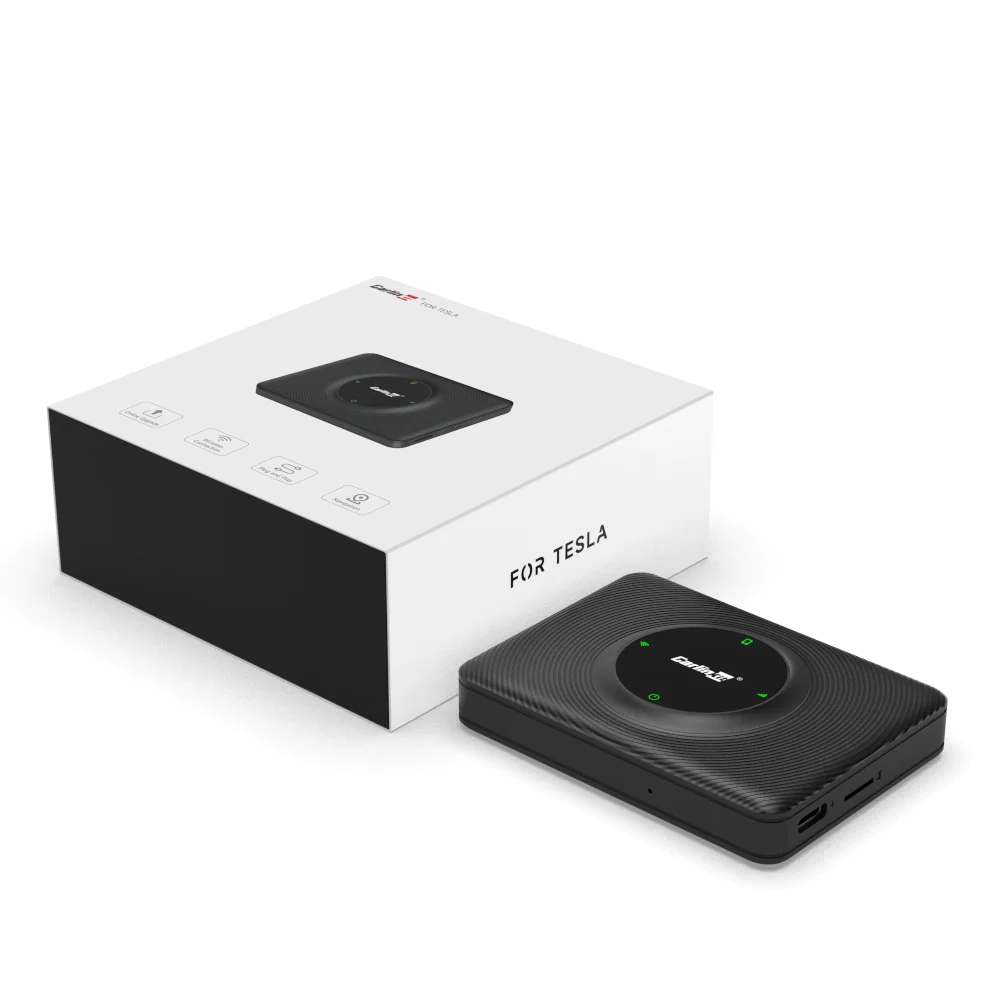

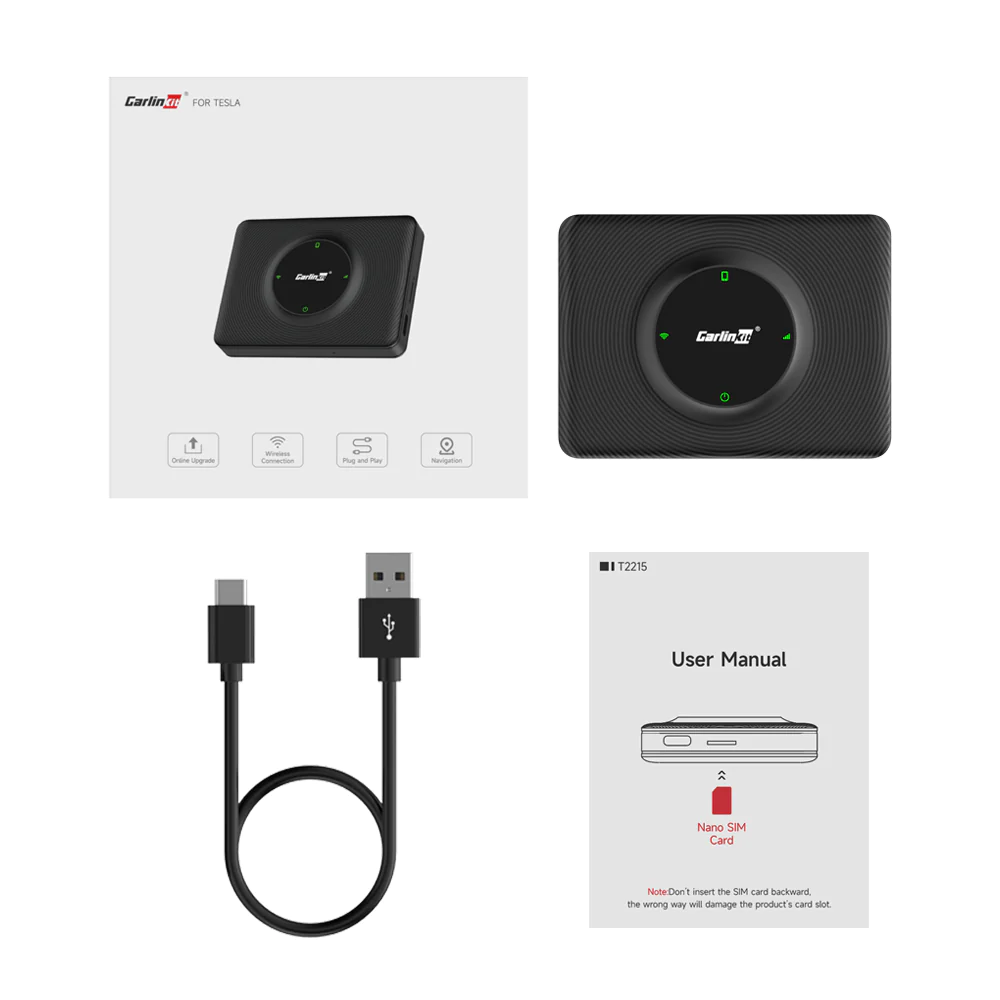




T2C Tesla Wireless Apple Carplay Adapter – Upgrade Your Tesla With Wireless Apple Carplay/Android Auto
CPC200-T2C CarPlay Android Auto Box for Tesla Model S 3 X Y and cyberTruck.
Please note that MCU1 vehicles are not supported.
How Does it Work?
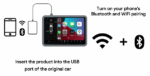
This small smart box creates a wifi hotspot inside your car via your iOS or Android device or 4g sim. Once set up, you simply connect your Tesla to the AI Box wifi hotspot and then navigate to the address of the hotspot on the cars browser. This then allows you to link your phone and the CarPlay /Android Auto menu is displayed on the car browser. Add the URL to the favourites, set the wifi to stay connected when driving and you’re done.
It will reconnect at each drive. (if you connect your car to other wifi you may need to manually select the smart box wifi again or if you connect your car to your homes wifi, set that to stay connected when driving too. This allows a seamless swap over as you leave your property.
This AI Box connects to your mobile phone via the bluetooth modem, and uses your phones data to drive the functions. You can load it with a 4G sim and it will use data from that sim for map features, but not music and streamed content.
To listen to music simply select phone from the cars bluetooth menu and audio is streams to the car via car play Bluetooth.
Please note some Tesla models require a USB-C to USB-A adapter or cable. This is only to power the unit.
BEFORE USING THE AI BOX PLEASE UPGRADE THE SOFTWARE.
How to use T2C in your Tesla car?
If you want to add wireless Carplay to your Tesla car, please make sure your phone is iPhone 6/ IOS 10 above. You can insert the SIM card or share the phone’s hotspot for the device to access the internet. Please connect the AI Box with your Tesla after the car is drive. (At that time you can log in to the car screen’s browser to enter http://tespuch.com).
Compatible Vehicles
- Model S with MCU2
- Model X with MCU2
- Model 3 with MCU2 or higher
- Model Y
- MCU1 vehicles are not supported due to the slow browser speed.
Supports Apple CarPlay, Android Auto.
Examples of Supported Apps.
- A Better Route Planner (Premium)
- ChargePoint
- iHeart
- Stitcher
- BBC Sounds
- Tidal
- Waze
- Youtube Music
- Amazon
- Overcast
- Audible
- Vox
- Downcast
- RongGo
- Google Maps
- Sygic GPS Navigation And Maps
- Tom Tom
- News
- Podcast
CarPlay is compatible with these iPhone models with iOS 10.0 or later.
- Support iPhone 6 and newer IOS 10 or above.
Android Auto Compatibility.
Support Android phones with Android 11.0+.
If you have Android 9 or below, get the Android Auto app on your phone. With Android 10, Android Auto is built in – so you don’t need the app to get started.
Before you order please make sure you can open the vehicle browser while the vehicle is in motion. In some markets it’s restricted. If your browser closes when driving, this system will not work. Know regions with this issue are Taiwan and Hong-Kong. This is a car feature not a Smart box feature.
For more information about CarPlay please visit Apple or Android Auto please visit Android.




Reviews
There are no reviews yet.